Density vs. Cisco Spaces: choosing the measurement behind workplace analytics
Choose the measurement and reporting scope your workplace needs. Compare Density sensor outputs with Cisco Spaces infrastructure, maps and entitlement requirements.


Last updated
Oct 30, 2026
October 30, 2026
Start with Density when you want to choose purpose-built occupancy sensors around a workplace decision, then examine room, floor and building use in Atlas. Waffle, Open Area and Entry provide different measurements, so the team can define what each space must report before planning the rollout.
Cisco Spaces brings workplace applications to supported networking, collaboration and sensor infrastructure. If your organization already operates Cisco equipment, that is a concrete reason to evaluate it. The buying question is which parts of that infrastructure can supply the measurement your workplace team needs.
Put real spaces in each proposal
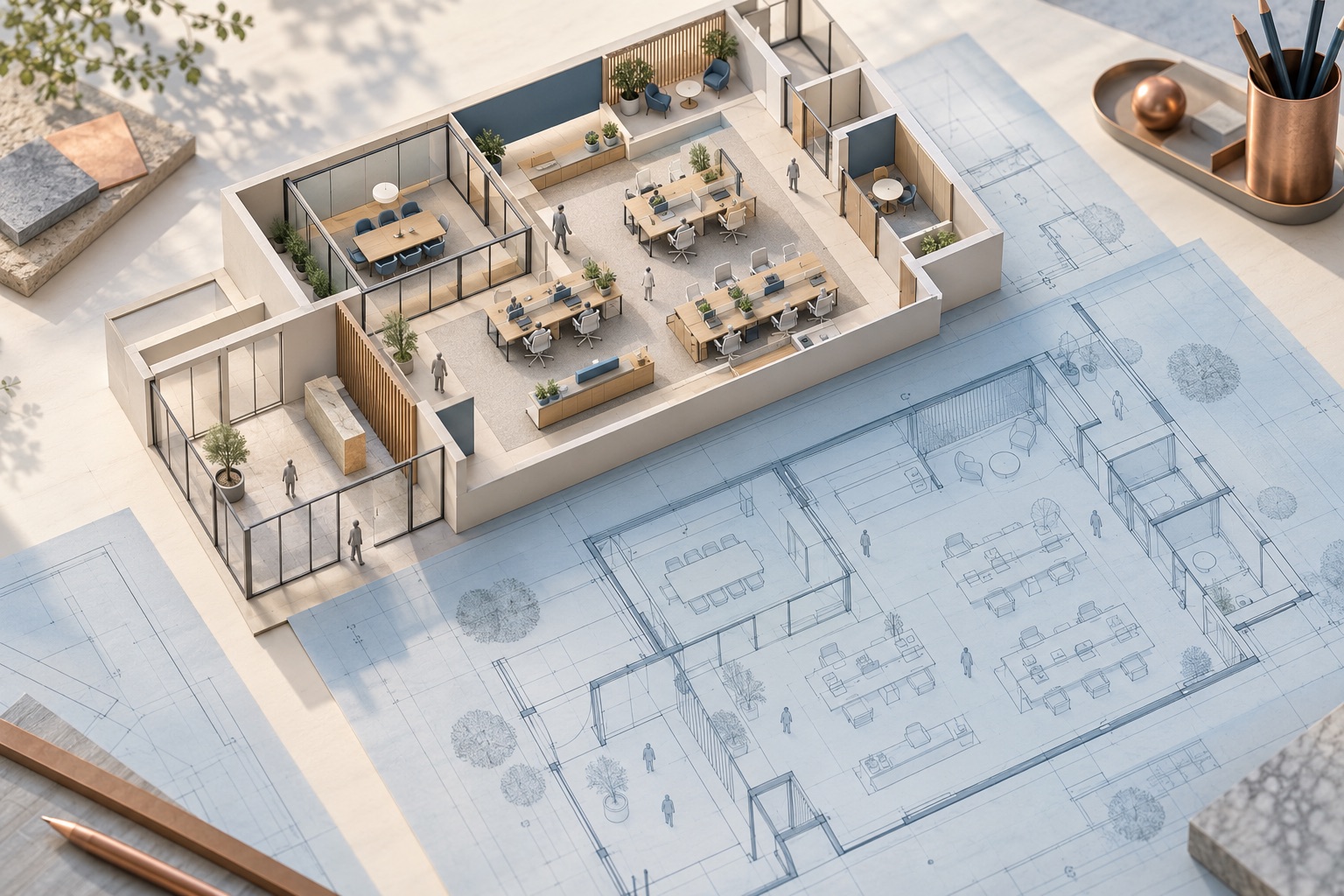
Choose a desk neighborhood, a small meeting room and a building entrance. Give each a specific job: count people within the neighborhood, distinguish individual and group room use, or measure entrances and exits.
With Density, match that job to the sensor:
- Open Area: counts within larger office areas, with coverage planned for the intended spaces.
- Waffle: radar-based zero, one, two or three-plus categories for small spaces. Keep three-plus as a category when evaluating group use.
- Entry: directional doorway counts used to calculate occupancy across a covered boundary.
Density's workplace sensor guidance explains these measurement choices. Its Atlas platform connects occupancy evidence to building and floor analysis.
For Cisco Spaces, name the source for each space rather than calling the whole proposal Wi-Fi analytics. Cisco's Space Utilization guide lists multiple sources, including Wi-Fi, collaboration devices and supported occupancy sensors. Its Space Manager guide describes device-associated people count, presence and environmental telemetry on maps. Capabilities depend on the selected devices and configuration. A presence reading answers whether someone is there; it does not, by itself, supply a headcount.
Check what an existing network actually supplies
Cisco's setup FAQ says occupancy estimates can use network clients, Webex devices and supported sensors. Available identity and device context can reduce duplicate counts when a person carries several devices. That is more than treating every device as a person, but it still requires a defined deployment and interpretation.
Have the Cisco proposal identify the enabled data sources, relevant network configuration, map quality and license entitlement. The Space Utilization guide lists prerequisites for Digital Maps Pro, defined meeting rooms and the applicable network or Webex integration. An existing access point does not, by itself, establish that every desired room report is ready.
For Density, review the physical coverage, power and network requirements of the proposed sensors. A measurement deployment has its own setup work. Compare that complete scope with the Cisco configuration your team would actually enable, rather than comparing one supplier's complete rollout with the other's existing equipment alone.
Ask for the same building comparison
Bring both suppliers a real question, such as whether two floors need the same mix of desks and collaboration spaces. Ask for the included spaces, local operating hours, capacity assumptions and missing observations to remain visible in the chart or export.
Then trace one result back to its input. Is the report based on counts, presence, network-derived estimates or a combination? What does the system do when the expected source is unavailable? Keep those answers beside the comparison so a change in data coverage does not look like a change in office use.
Density's bulk export documentation describes space, floor and building identifiers, configured capacity and local timestamps. Those fields give an analyst a concrete starting point for checking the selected locations and periods.
Privacy review should follow the proposed data path. Inspect the information each sensor or network source produces and what reaches the reporting application. Cisco Spaces supports multiple source types; review the actual selection instead of assigning one privacy description to every deployment.
Choose the path your team can operate
Density offers a direct starting point for a workplace team that wants defined physical measurements and an occupancy analysis around its space decisions. Cisco Spaces warrants a concrete demonstration where the organization wants to build those applications on its supported Cisco infrastructure.
Bring Density your floor plans, required outputs and the report you need to reproduce. Book a demo, or email sales@density.io.
Use the building-comparison guide to align the periods and the occupancy API guide to review live and historical integration behavior.
Browse occupancy guides and sensor comparisons · Read the plain-text version
Key Takeaways
DisruptCRE founder shares how corporate real estate is changing
DisruptCRE founder shares how corporate real estate is changing
Companies are moving employees from underutilized offices into "space as a service” options with utilization data.
Watch nowHalf of offices are empty but you still can’t find a meeting room
Half of offices are empty but you still can’t find a meeting room
Employees waste up to 30 minutes a day looking for a meeting room to meet in workplaces.
Read moreMost recent
Density vs. Eptura: choosing what belongs on a real estate shortlist
Density vs. Eptura: choosing what belongs on a real estate shortlist
Separate physical workplace demand, occupancy analysis and lease administration so each proposal answers the decision you need to make.
Can CO₂ sensors measure office occupancy and utilization?
Can CO₂ sensors measure office occupancy and utilization?
CO2 concentration needs a model to become an occupancy estimate. Learn which measurements and validation a workplace utilization decision requires.
Density vs. Robin: people counts, bookings and check-ins
Density vs. Robin: people counts, bookings and check-ins
A busy room calendar and a physically occupied room are different observations. Compare Density measurement with Robin bookings, check-ins and named reports.
How should you combine utilization across rooms of different sizes?
How should you combine utilization across rooms of different sizes?
Two rooms at 90% and 10% can have combined capacity utilization of 17.3%. Work through the inputs, weighting and measurement limits.
Explore other Density Products
Atlas for Workplace
Insights for the workplace that help you cut costs and deliver better spaces.
Learn more